Высокая скорость
Никаких задержек — отправка и приём сообщений ботом в WhatsApp* за 1 секунду.


Подключите чат-ботов к WhatsApp Business API. Автоматизируйте коммуникацию, отправляйте рассылки и получайте платежи прямо в чате.
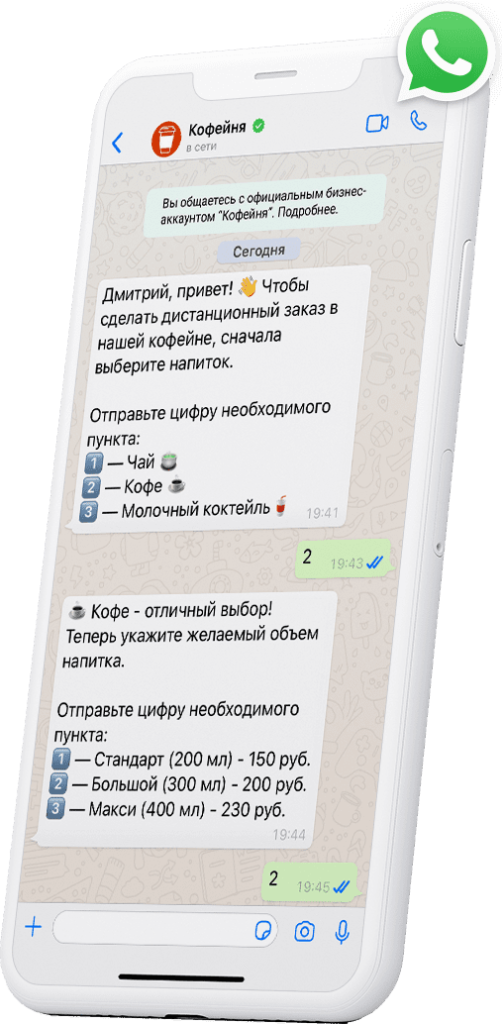


Обслуживайте заказчиков и продавайте через самый популярный мессенджер в России вместе с BotHelp.

Получив от клиента номер телефона, продолжите общение в мессенджере. Увеличивайте конверсию с рекламы через прямые продажи в чатах.

Отвечайте на типовые вопросы автоматически и экономьте время на операционных задачах. Прогревайте холодную аудиторию рассылками с выгодными предложениями. Сегментируйте трафик по нужным вам признакам.

Настраивайте автоматическую рассылку сообщений в чате и получайте заявки прямо в WhatsApp*. Используйте интеграцию с CRM для формирования базы постоянных клиентов.


Создать чат-бота в WhatsApp* — посильная задача даже для начинающего маркетолога и технического специалиста. С BotHelp для этого не потребуется знание программирования. На выходе вы получите мощный маркетинговый инструмент, работающий как часы.
Никаких задержек — отправка и приём сообщений ботом в WhatsApp* за 1 секунду.

Отправка массовых рассылок в мессенджере по базе без риска блокировки.

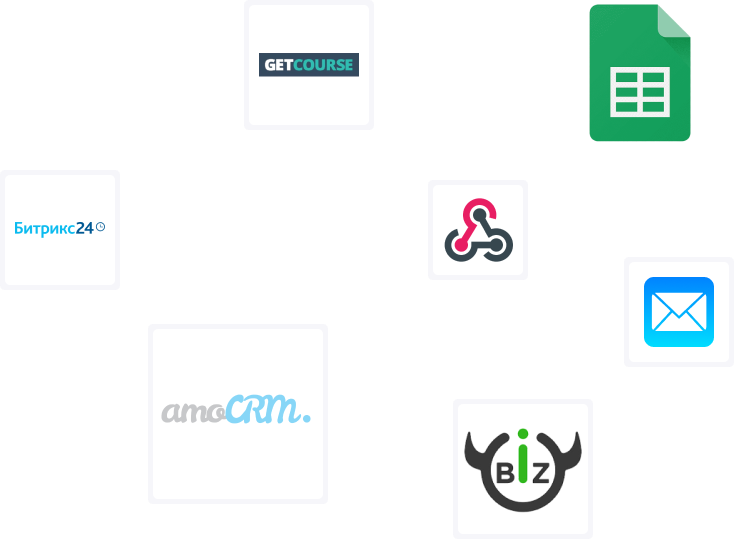
Собирайте регистрации, результаты опросов и заказы в единойсистеме. Интеграция с ЮMoney, Робокассой, Prodamus, amoCRM.

Используйте возможности мессенджер-маркетинга для развития бизнеса. Кейсы клиентов подтверждают: с чат-ботами конверсия вырастает до 70%.

Анализируйте источники трафика, конверсии и отказы благодаря встроенной системе аналитики.

Многопользовательский режим в BotHelp позволяет отвечать клиентам в разных чатах в одном окне.

Всё, что нужно для работы с ботами и рассылками WhatsApp*, на одной платформе.

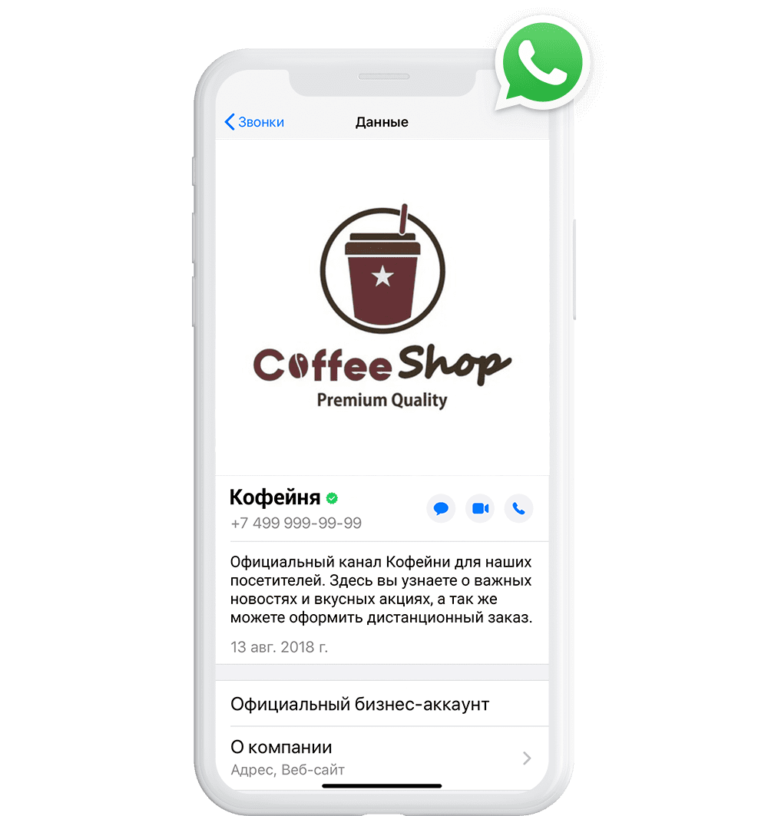
Преимущества WhatsApp* по сравнению с другими мессенджерами:
•
Широкий охват. 67% россиян старше 12 лет заходят в мессенджер
ежедневно.
• Платёжеспособная аудитория. WhatsApp* предпочитают
люди в возрасте 25–54 лет.
• Открываемость сообщений от 80% из-за
отсутствия новостных каналов и чатов.
• Возможность писать клиентам
первыми благодаря WhatsApp Business API.
С чат-ботами
коммуникация в мессенджере проходит автоматически, непрерывно, без
задержек. Умный помощник возьмёт на себя консультирование по вопросам
бизнеса и привлечёт клиента за вас.
Сделать бота для WhatsApp* не проблема, но даже это не обязательно.
Возможно, решение для вашего бизнеса уже находится в нашей базе
шаблонов. Запускайте готовые сценарии, не требующие дополнительных настроек.
Среди
готовых ботов есть всё для быстрого запуска: проведение вебинаров,
розыгрышей, выдача лид-магнитов, каталог товаров, FAQ с ответами на
вопросы.
Furthermore, the strategic placement of this shortcut reflects a deep understanding of cognitive load. On both iOS and Android, the orientation lock resides in the Control Center or Quick Settings panel, accessible with a swipe and a tap—not buried in a multi-layered settings menu. This proximity to the user’s immediate workflow acknowledges that orientation needs are context-dependent and fleeting. You need the lock when you transition from sitting at a desk to reclining on a couch, not as a permanent system preference. By offering frictionless access, the shortcut empowers users to toggle between fluid rotation (for dynamic media consumption) and rigid stability (for static reading) in under two seconds, effectively allowing the operating system to serve two opposing use cases simultaneously.
Critics might argue that the very need for such a shortcut represents a design failure—that ideally, apps and sensors would be intelligent enough to know when rotation is desired. Yet, human behavior is too varied for a purely automated solution. The preferred orientation while watching a movie (landscape) differs from that while checking a notification (portrait), and no sensor can predict whether you want to reply to a text while reclining. Thus, the shortcut does not fix a broken system; it perfects a flexible one. It hands the final decision back to the human, acknowledging that context is a subjective experience, not a measurable data point. screen orientation shortcut
In the ever-evolving landscape of user interface design, the most impactful innovations are often not the flashiest. While curved displays and foldable screens capture headlines, it is the quiet, utility-driven features that shape our daily digital experience. Among these, the screen orientation shortcut —typically a small lock icon found in a smartphone’s quick settings panel—stands as a masterclass in ergonomic problem-solving. Far from a trivial toggle, this simple control serves as a critical mediator between device hardware, software flexibility, and human behavior, solving the "tyranny of the accelerometer" with a single tap. You need the lock when you transition from
At its core, the orientation shortcut exists to resolve a fundamental conflict: the difference between how a device is physically held and how its content is best viewed. The automatic rotation feature, driven by a gyroscope, is a marvel of responsive design. It intuitively widens a video when you tilt your phone sideways or lengthens a document when you return to portrait mode. However, this same responsiveness becomes a liability in edge cases. Lying in bed, the slightest tilt transforms a webpage into a skewed, unreadable landscape. Walking while reading, every footstep triggers an unwanted shift. The orientation shortcut liberates the user from this sensor-induced chaos. By locking the screen into a preferred state—usually portrait—it restores predictability, allowing the user to control the device rather than being controlled by gravity. Yet, human behavior is too varied for a
In conclusion, the screen orientation shortcut is a paradigm of minimalist, humane design. It takes a powerful but intrusive technology (automatic rotation) and tames it with a single, elegantly placed control. It resolves the tension between device and user, offering stability in a fluid world. Next time you swipe down to tap that small lock icon while reading in bed, take a moment to appreciate the profound usability philosophy it represents: sometimes, the most sophisticated thing a smart device can do is let you say “stop.”

Консультируйте клиентов и продавайте через самый популярный мессенджер в России вместе с BotHelp.